
A simplified format for technical documentation makes it easier for the document to do its job. The job is to provide information about the features and functionalities of a SaaS or an app. Whenever a new product is released to the public, the document acts as a guide on its use.
At the same time, it acts as a roadmap for developers to understand the product. So, they can:
- Improve it
- fix it
- transform it
For a general user, it helps them to know how to install software, troubleshoot common issues, and take advantage of all its features. And if it’s structured so that finding all the information is effortless, you’re offering the best customer support.

In this article, I will explain what “format” means in technical documentation, why it’s important, and how you can structure it.
Besides, we’ll look at aspects of technical documentation and provide some examples.
If you’re ready to learn more about technical documentation format, let’s get started.

Technical Writing Service
Simplify Onboarding With Clear Documentation
- Well-structured user guides & API docs
- Custom graphics for better understanding
- Video tutorials & knowledge base setup
What Does ‘Format’ Mean for Technical Documentation?
If you don’t provide technical documentation to your customers, you might do a poor job of customer service. With it, you can explain the functionality and setup procedure of a software or system in a more sophisticated manner.
Thus, it’s essential to have a user manual.
But, providing them with information on how to do something isn’t enough. You must ensure it’s done in the most user-friendly way.
And here the format for technical documentation comes into use.
There’s a lot of information out there, but not all of it becomes users’ favorites. But only those that do in the simplest, understandable, helpful, and accurate way. With a technical documentation format, you can do that effectively.
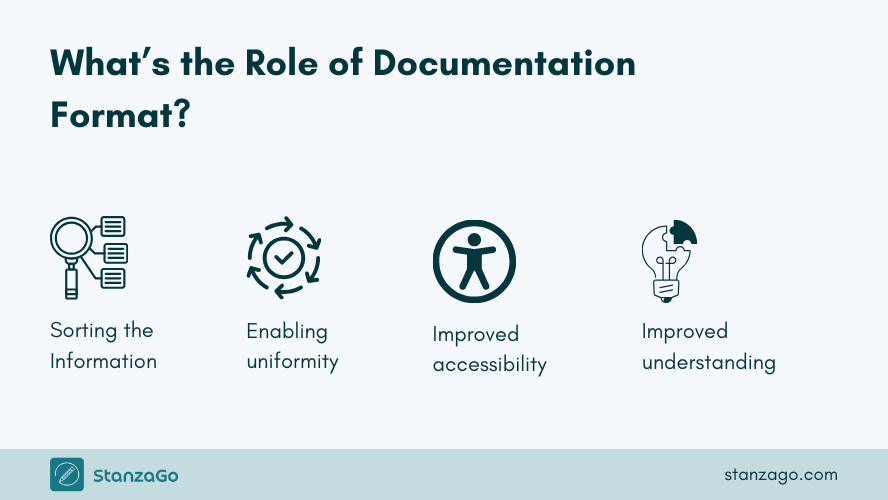
A format for technical documentation allows you to:
- Sort the information
- Enable uniform presentation of the info
- Improve the accessibility of the document
- Manage the documents effectively
- Mitigate the confusion
Whether you need a format for requirements documents or employee training, it should have all the above traits.
And by following the instructions below, you can do that impressively.
How Do You Structure Technical Documentation?
The format for technical documentation determines the structure to use.
However, the technical documentation structure is similar for various resources. Here are some of the important sections that need to be there:
Section 1: Introduction
The introduction should explain why the document exists, the target audience, what it covers, what it doesn’t, and what the reader needs to know before proceeding with the technical documentation.
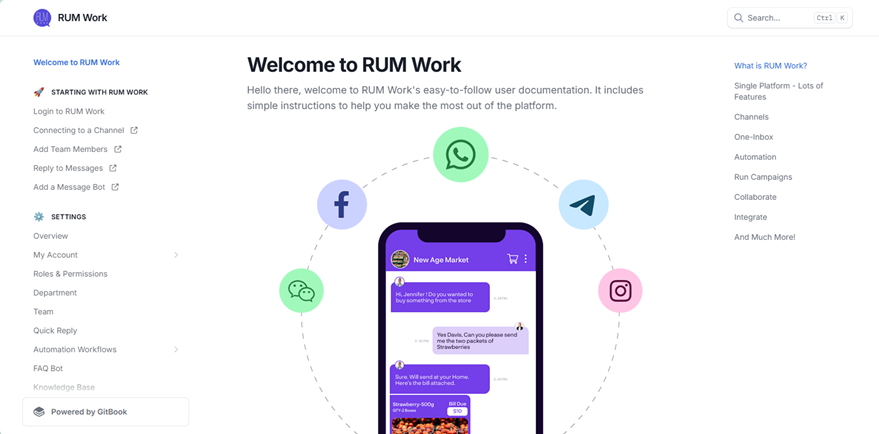
Rum Work documentation introduction section – a StanzaGo client
Basically, the introduction should entice the reader to check the document further and help them understand what they can expect.
Therefore, it needs to be brief, well-elaborated, and straight to the point.
Section 2: Getting Started With the Software
This section should provide instructions for installing or setting up the software, system, or product.
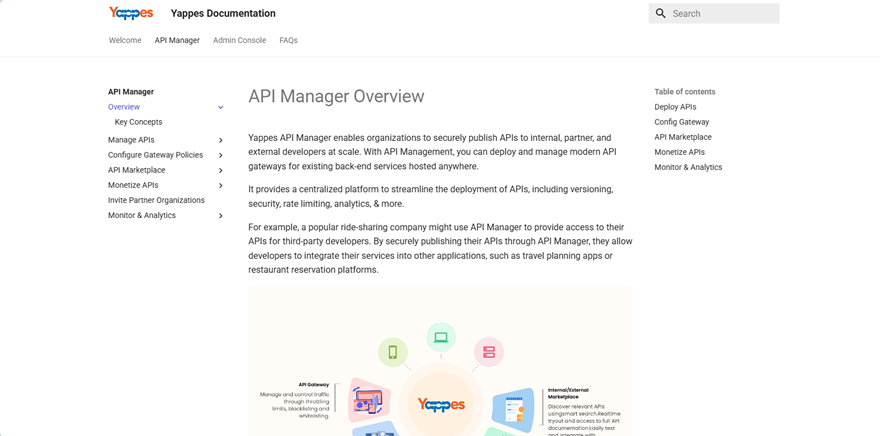
Also, it should include the system or hardware requirements for the product to work. It is basically like a quick-start guide. Therefore, if a user’s system doesn’t meet the requirements, they will need to take action.
Section 3: Overview of the Architectural Design
This section should entail the fundamental contents, how the software works, and the key design. It is also crucial to provide visual diagrams for the reader to understand better, practically.
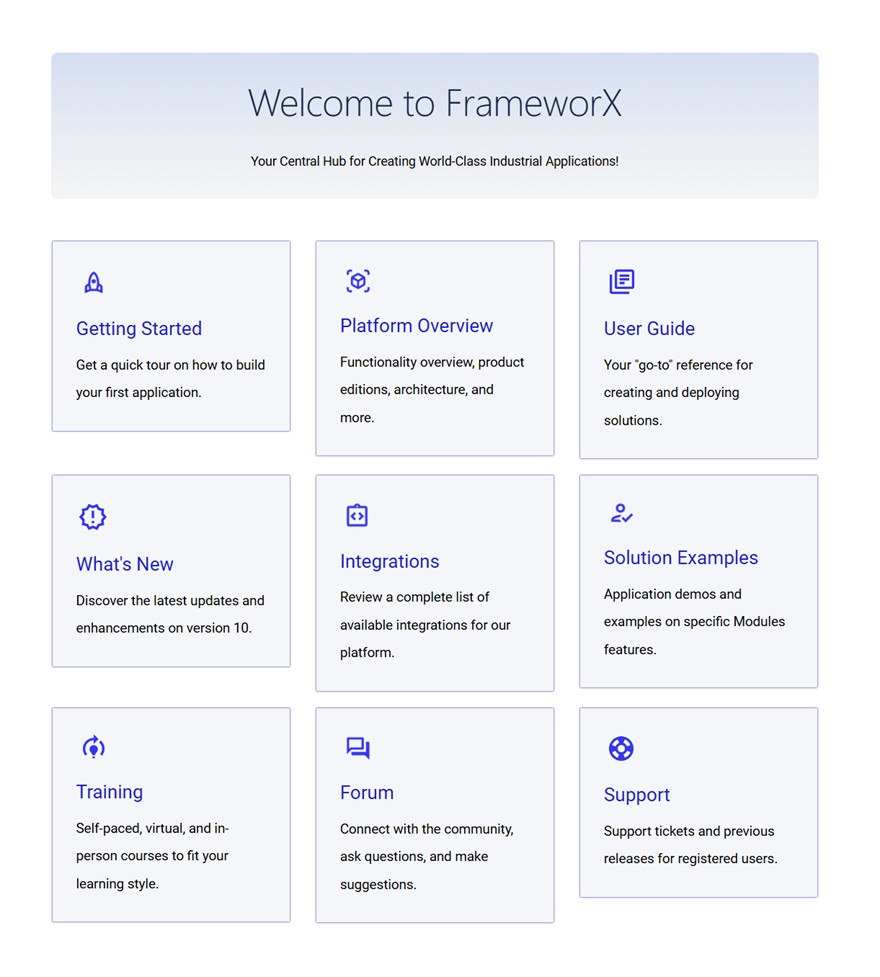
The use of charts, pictures, etc., can really help readers understand better.
Section 4: Features/Modules of the Software
This section should provide more information on the features, a description of each feature, a user case, inputs/outputs, and code examples.
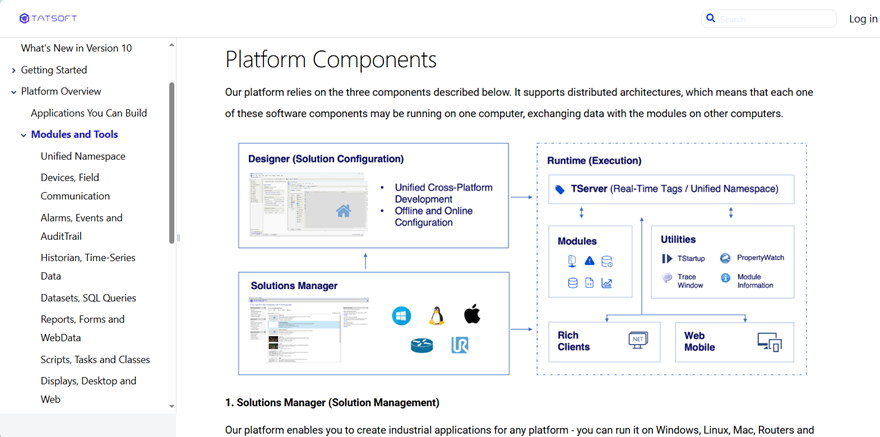
The section should be expanded to help the audience better understand the product.
Section 5: API/Command Reference
In this section, logically organize the endpoints, functions, and classes, and provide the names, purposes, parameters, return values, error codes, exceptions, and example requests for each.
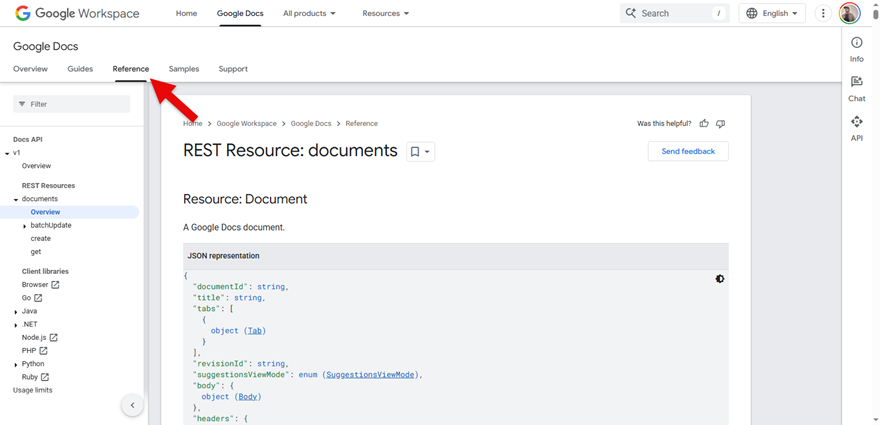
It is an optional section based on the kind of product being discussed.
Section 6: Tutorials/User Cases
This section should also be well elaborated and provide tutorials or user cases.
It should help users understand how to solve certain problems and the benefits of the software.
Section 7: Testing and Debugging
The testing and debugging section should provide information on how to test the system, common issues, how to fix the issues, and commonly used debugging tools.
Section 8: Security and Regulatory Compliance
This section should provide information on the compliance standards it adheres to:
- Authentication
- Authorization
- Data protection.
Certain documentation requires this section to demonstrate compliance with specific security regulations.
Section 9: Maintenance and Troubleshooting
This section should include information on known issues, challenges, or limitations. It should provide information on troubleshooting steps, updating, and upgrading. Additionally, you can provide the FAQ section here.
Section 10: Appendix
The appendix should include the glossary of terms, acronyms, external references, and a change log.
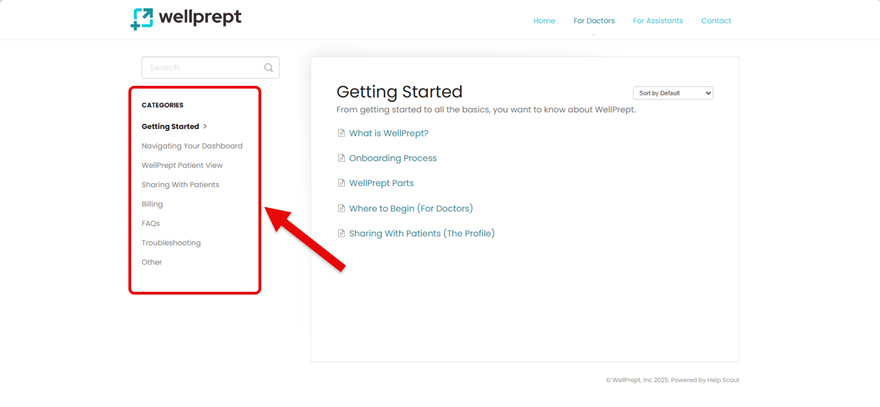
Appendix example from Wellprept – A StanzaGo client
You can use it within the content or in the sidebar, but ensure it doesn’t lead the user to the wrong information.
How Do You Write Technical Documentation?
After knowing how to design the format of your technical documentation, it’s essential that you know how to write it. Once you have a layout in mind, progress on the documentation as follows:
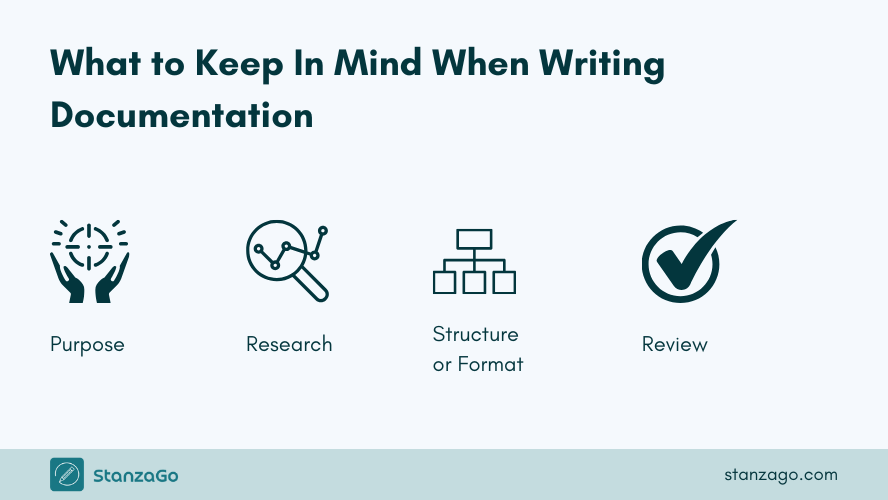
- Define the purpose
- Do your research
- Plan the structure of the technical documentation (yes, format comes after purpose and research)
- Start writing the technical documentation
- Review and update
- Publish and distribute
With this pattern of writing technical documentation, you won’t end up wrong. To learn more about writing technical documentation, check out the link mentioned.
What Should You Consider When Writing Technical Documentation
When writing technical documentation, clarity, completeness, and usability are key. Here’s a list of things to consider to make your documentation effective and user-friendly:
- Audience: Understand your audience’s skill level, background, and what they will achieve with the documentation. It shouldn’t use such complex language; ensure it’s understandable to even novice users.
- Elements in technical documentation structure – Use the correct structure and organization by following the right outline (structure), using the right table of contents, and breaking into sections.
- Quality content: Provide high-quality, clear, and concise content; include steps for the process, code snippets, screenshots, and real-life user cases, and explain them in detail.
- Functionalities: Ensure all commands, paths, and links work. Also, provide information on installation, system requirements, common errors, and solutions.
- Writing style: Try to use the active voice, consistent terms, and proper formatting for headings, bullet points, code, etc., for better readability. Also, use the right keywords and link to related topics.
- Keep it up to date: Ensure the technical documentation is current. Even with new features, updates, or upgrades, they should be updated in the document.
The Importance of Technical Documentation
There are various benefits of having technical documentation. Therefore, you need to be careful when choosing the format for technical documentation, as it should resonate with the software and its complexity.
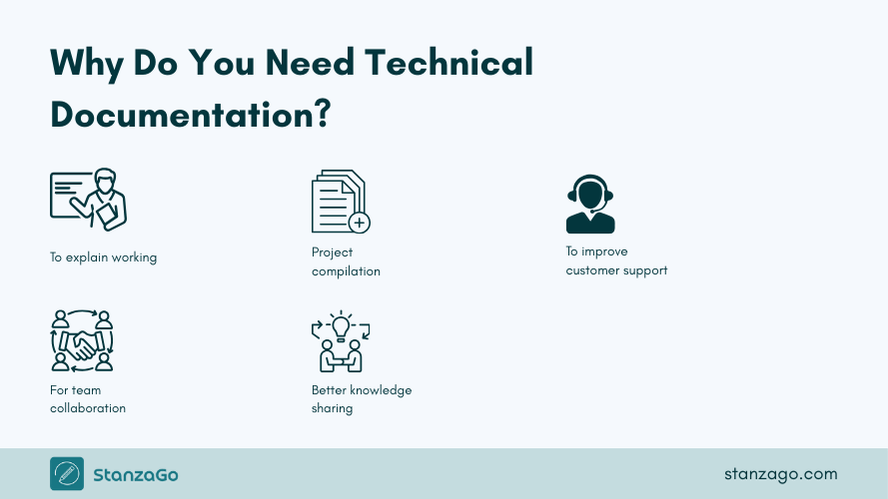
1. Explain How a Product Works
Technical documentation helps end users understand a product’s functions; on the other hand, developers can have a clear roadmap for the entire software development process.
Additionally, it facilitates knowledge transfer in an organization; therefore, when new team members come on board, they will have reliable references to check.
2. Compile All Project Documentation in One Place
Technical documentation ensures that all the information about a certain project is in one place. The valuable information will also ensure that the project team remains productive. It will also be easy to find information and reference it.
3. Improved Customer Experience
Customers will easily understand a product without necessarily having to contact the support team.
Therefore, it saves them time and allows the support team to deal with other tasks.
Ideally, the user guide will provide information that will make users well-informed about the product. Users will understand how to properly install, configure, and use the system, software, or product, thereby reducing frustration.
Customer support will have to deal with feedback on the product and how best to improve it.
4. Improved Collaboration Among the Team Members
A single source of information will make it easy for the team to work together without fear of miscommunication, thereby boosting collaboration and helping them work effectively and increase productivity.
5. Knowledge Consistency and Transfer
Documented processes, guidelines, and standards promote consistency in a product, system, or software development, deployment, and maintenance.
Also, with readily available troubleshooting guides, users and support staff can quickly diagnose and resolve issues.
Additionally, the technical documentation will support training and onboarding for new team members. Ideally, it serves as a reliable reference for developers to understand the existing architecture and determine the best approach for future updates or integrations.
6. Comply With Regulations
Technical documentation is a regulatory requirement in some industries. Therefore, the documentation provides evidence of adherence to safety standards and the required regulations to be followed.
Common Technical Documentation Formats
We will provide technical documentation in various formats based on use.
i) User Guides
It is a crucial document that helps users understand how to use a product, software, or system. It focuses on providing information to users through the graphical user interface.
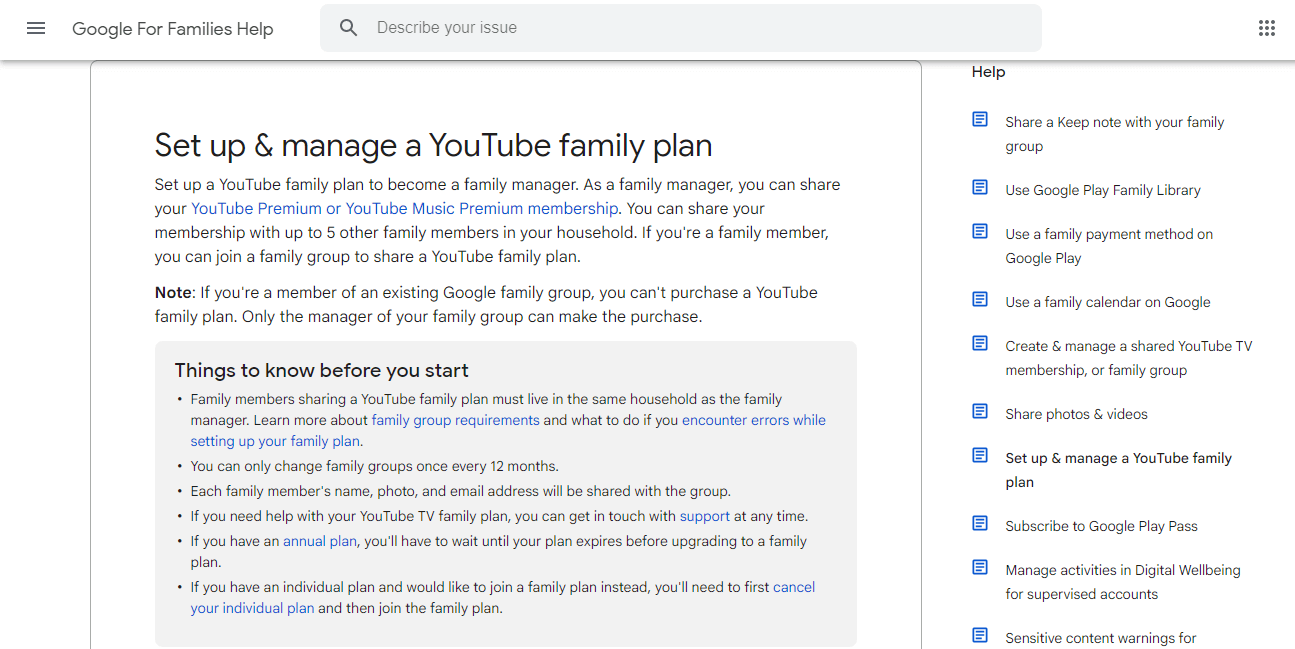
Software technical documentation example: Google’s Help Center
It should be thoroughly explained to ensure that even novice users can understand.
It features step-by-step instructions and often includes illustrations and screenshots. They are step-by-step guides that help users solve a specific issue, activate a feature, or enhance the functionality of a software.
2. Release Notes
The release notes are another technical documentation format that provides information about a newly released software or product, or about advancements to an existing software or system. This helps users to understand what has been updated and the new functionalities they can try out.
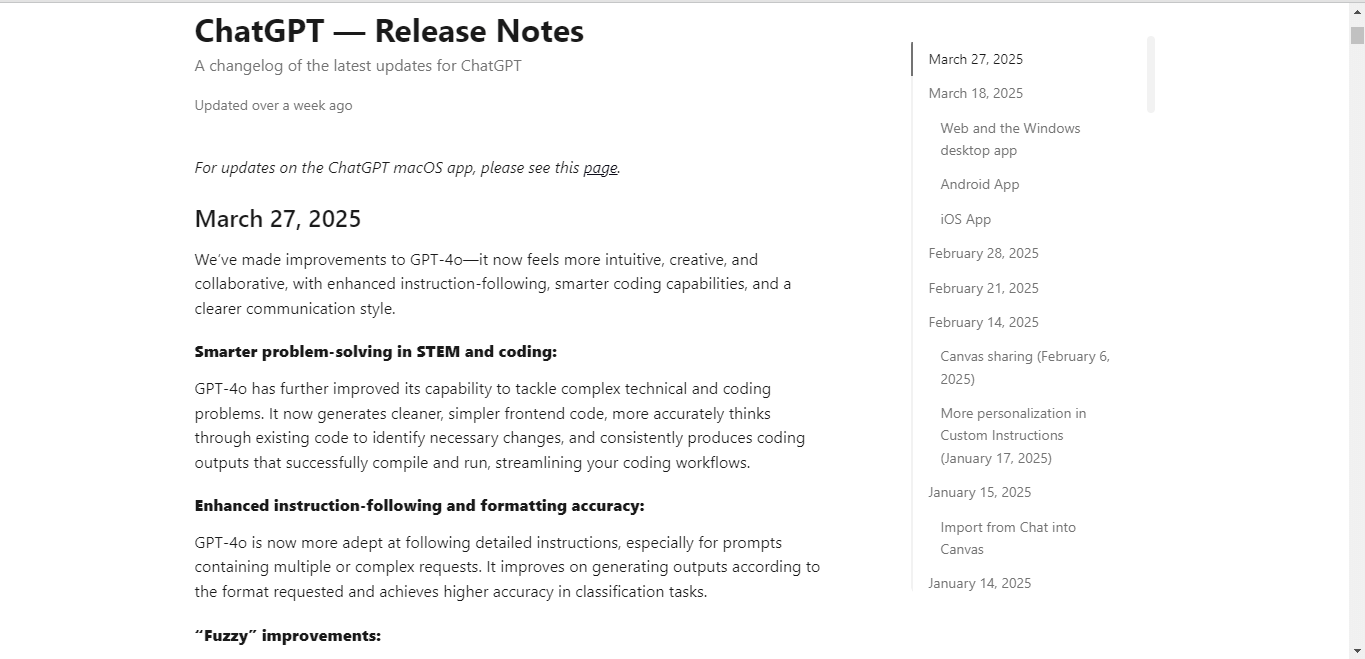
Software technical documentation example: OpenAI ChatGPT release notes
It is shared with customers, developers, and the team. It also explains the impact of the changes and actions required by the user.
3. API Documentation
On the other hand, API documentation is important for developers, as it provides detailed information on the services the API offers, how to use it properly, and how to interact with it, including functions, methods, and parameters.
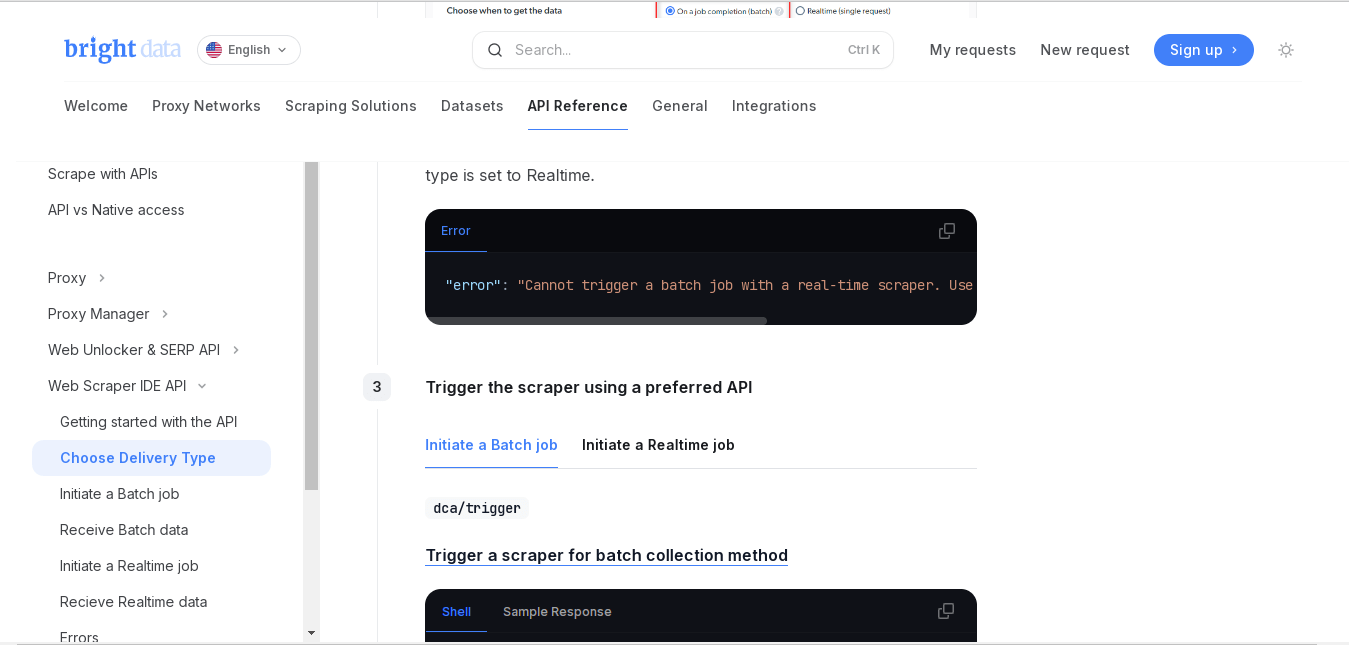
Software technical documentation example: Brightdata API documentation
The API documentation is mostly for developers to know how best to integrate APIs into applications. It can include code examples, best practices, and any limitations.
It includes code examples, parameter explanations, and related details.
4. Troubleshooting Documentation
This is specific technical documentation intended to help users identify and resolve issues. Additionally, it is great for customer support to make it easier for them to help users when they are stuck.
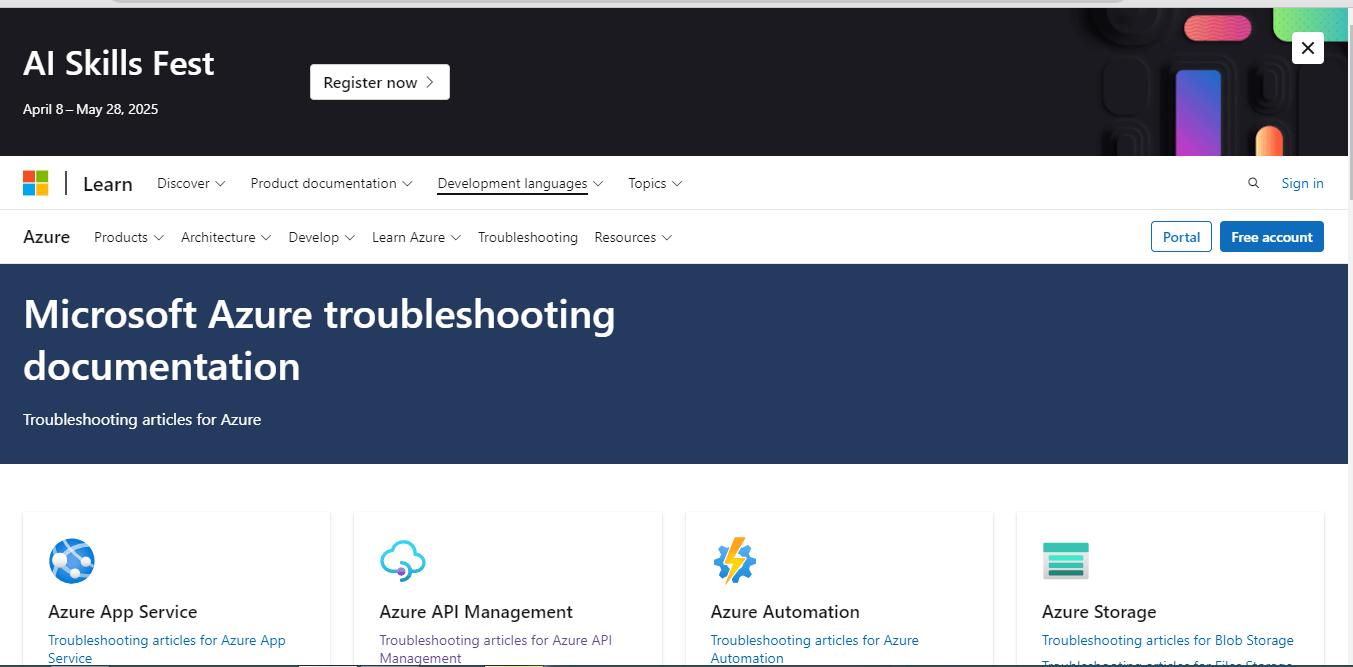
Software technical documentation example: Microsoft troubleshooting documentation.
The documents tend to have step-by-step procedures, common problems, explanations of error messages, and issues that users might encounter. Moreover, it should be well written for novice users so that they can solve the issues independently.
5. Knowledge Base Documentation
The other documentation format is the knowledge base, which contains articles, FAQs, how-to guides, and other resources.

Software technical documentation example: Google Help Center
A knowledge base is primarily a self-service tool that users can use to resolve issues without necessarily contacting customer support. It is often organized in categories, making it highly effective.
Most websites have knowledge bases that feature numerous articles.
6. Software Development Kit Documentation
The SDK documentation provides developers with tools and instructions to create applications or extend platform functionality. It tends to include a set of APIs, libraries, and other resources that are key to simplifying the development process.
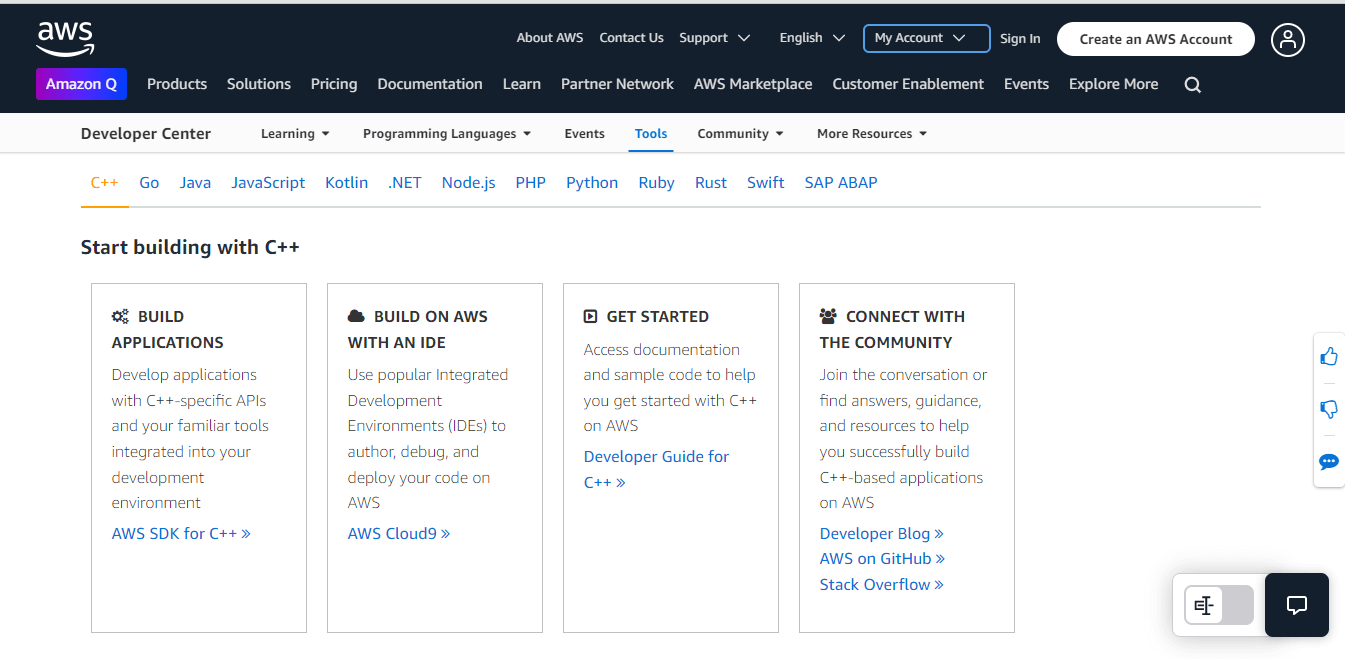
Software technical documentation example: AWS SDK documentation.
Additionally, the SDK documentation is key for developers who want to build software for a specific platform or system. It also provides examples and guides on using the SDK. Ideally, users can easily create apps on the platform using the documentation.
7. Market Requirements Document
This documentation outlines the customer’s needs & expectations for a specific product or service. It serves as a guide for product development, detailing the features, functionalities, and market conditions required for product success.
It is mostly used by project managers and development teams to align with goals or objectives. It guides the product development process to ensure it meets market demands.
8. User Requirement Documentation
This is another type of technical documentation that features details of specific software features or functionalities.
It defines what is expected from the software to ensure that the developer and user needs align. It is a contractual agreement between the customer and the developer. It is set there to ensure the developer meets the customer’s product needs.
Technical Documentation Tools You Can Use
There are various technical documentation tools in the market that you can use to ensure you provide relevant resources to your target audience. The different kinds use the right methodologies to create technical documentation with the structure and layout of your choice.
1. PHPKB Knowledge Management Software
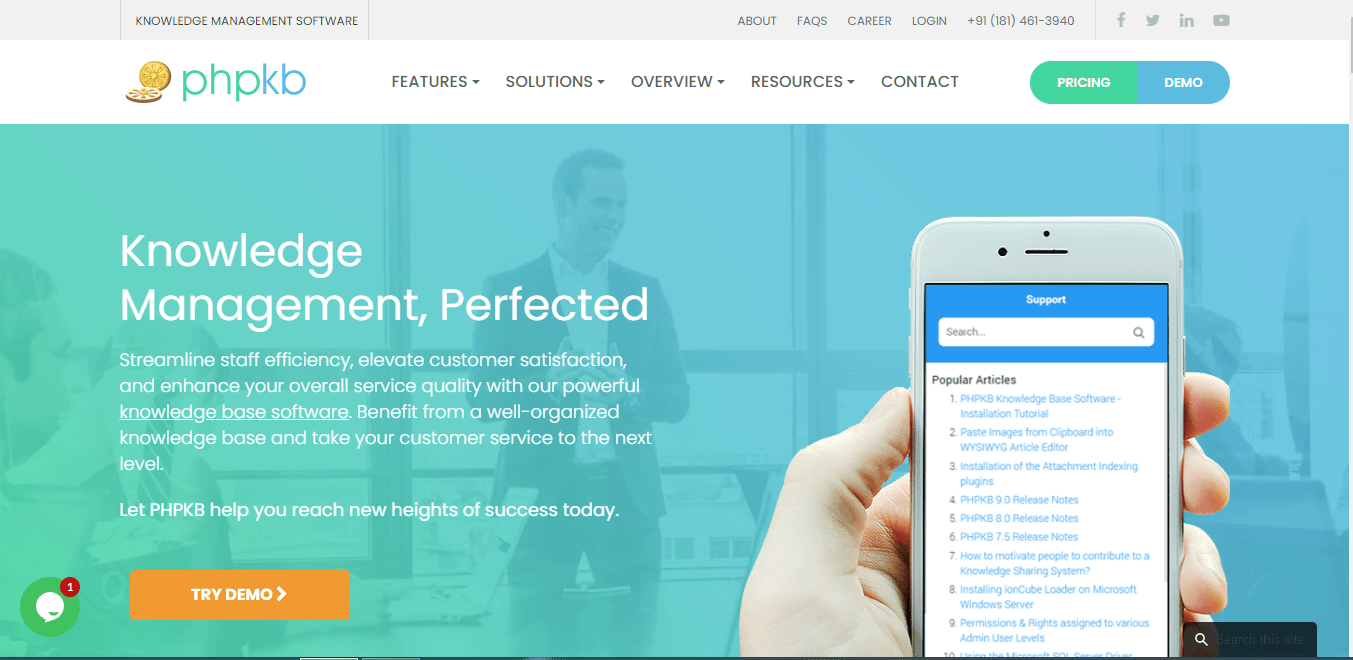
The PHPKB knowledge management software can be used by companies or businesses to provide documentation for their product, software, or systems.
If you are looking to create a help center or knowledge base, this is the perfect tool. The platform is easy to use; therefore, you don’t have to worry about spending too much time creating the resources you want.
Also, it will be easy to train the support team with readily available information.
Additionally, you can perform a full-text search, view highlighted keywords, track version history, and integrate feedback and rating tools. It helps streamline knowledge sharing and customer support. It also has advanced features that make it easy to centralize information management for more productivity.
2. Nuclino
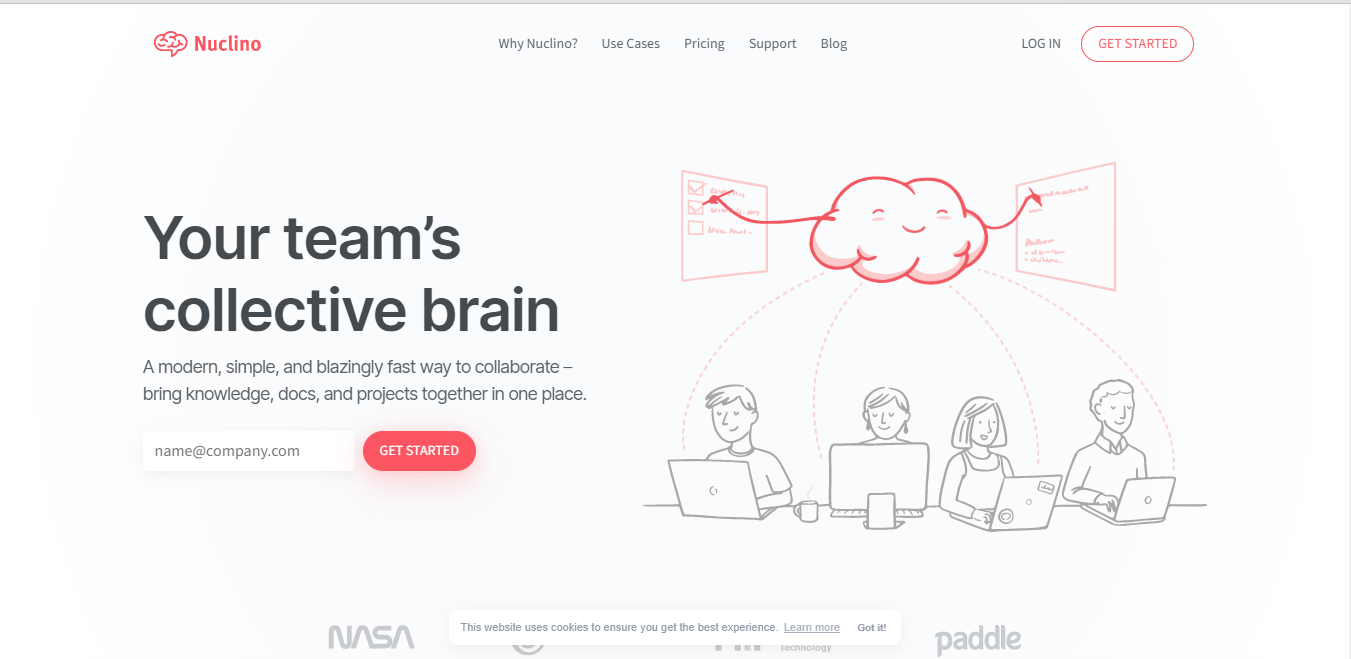
Nuclino is another reliable technical documentation tool that offers a variety of ways that you can use to structure and visualize your documents. Through the tool, it will be easy to consolidate your work in one tool and minimize unnecessary context switching.
You can centralize the project, docs, and knowledge under one platform.
Its editor also supports a set of markdown commands to allow you to quickly format your docs. You can also easily add an infinite collaborative canvas to any document.
It is trusted by over 12,000 teams; you’d better not be left out!
3. Atlassian Confluence
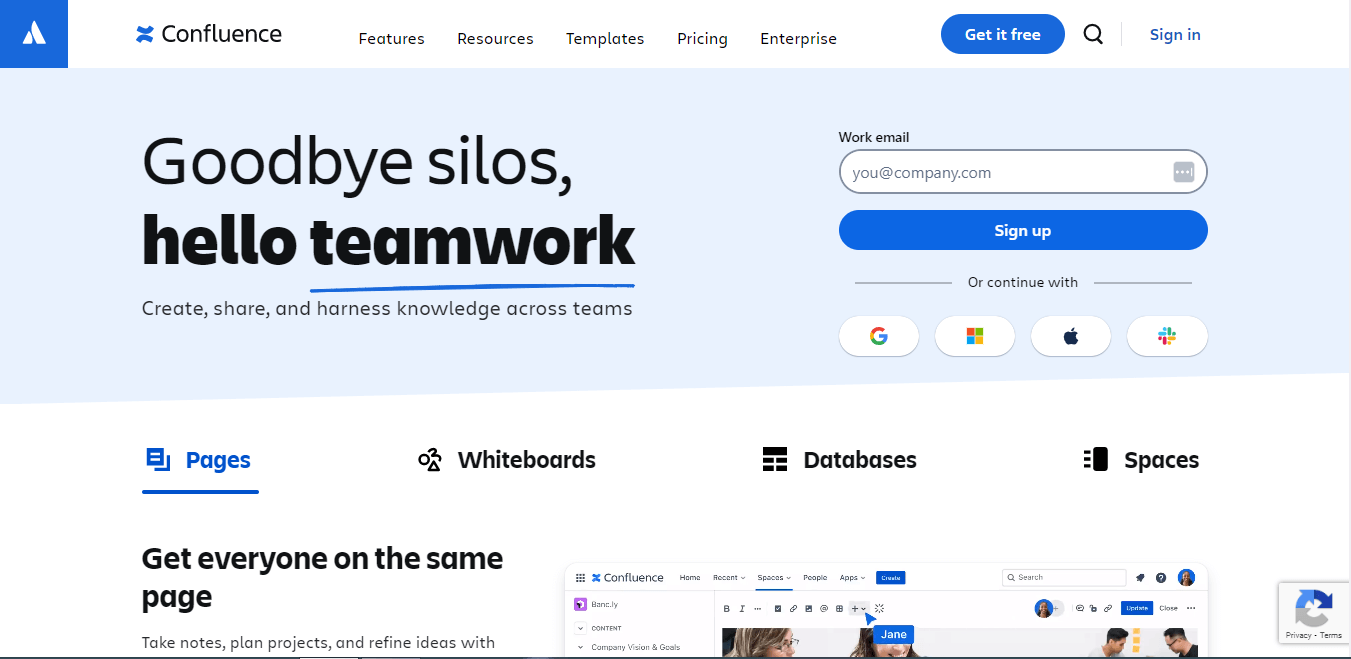
Confluence by Atlassian is another highly efficient technical documentation tool that is scalable and enterprise-ready. Its rich text editor makes it easy to create well-organized pages.
It is great for internal wikis and technical documentation. It is a great solution for teams who want to centralize their documents.
You can use the platform to take notes, plan projects, and refine ideas.
Additionally, you can take advantage of their templates to create astonishing documentation. With real-time editing & collaboration, you are assured of getting things done on time.
4. Document360
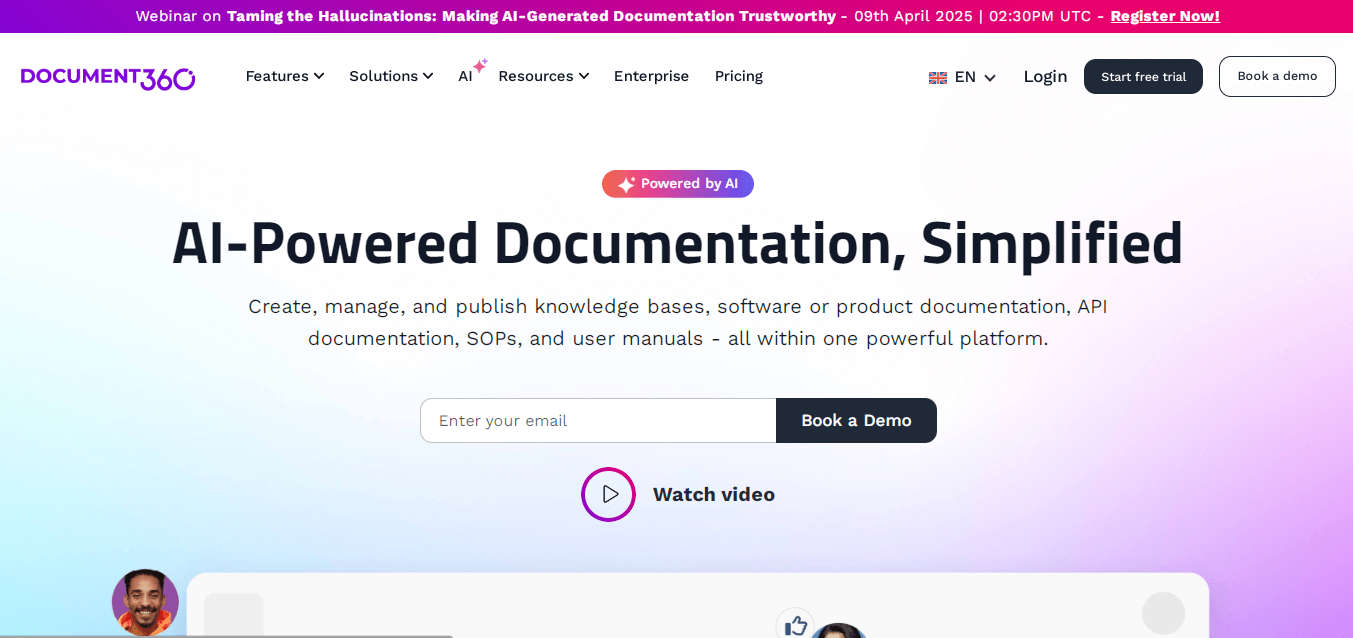
Document360 is a great tool that you can use to create:
- Knowledge bases
- Software documentation
- Product documentation
- User manuals
- SOPs
- API documentation
With reliable features, it can be used together to create resources to share with your target audience. It is affordable, and you will enjoy the ease of creation. It also features AI-assisted search capabilities and data analytics to make the process smooth.
Conclusion
All these technical documentation formats are great for different purposes. It all depends on the kind of information that you want to share with the target audience. Additionally, when creating technical documentation, it is key to follow all the best practices to ensure that it meets all the requirements.
Furthermore, it should be updated regularly based on new feature releases and to ensure users can solve issues fast without necessarily having to contact the support team. Try these technical documentation tools today!
Frequently Asked Questions
What are the best practices for Technical Documentation?
- Use a standardized format for all documents to boost consistency.
- Ease in Documentation accessibility.
- Incorporate diagrams, flowcharts, and screenshots.
- Incorporate a version control system to track changes.
- Automate documentation for system dependencies
- Structure it logically and write clearly.
- Encourage feedback.
What are the use cases for technical documentation?
They include developer-focused use cases, product & system use cases, internal team documentation, customer-facing use cases, and compliance & regulatory use.
What is the importance of versioning in technical documentation?
It is great for maintaining constituency, tracking changes, facilitating collaboration, and ensuring accountability, therefore, more accurate documentation.
Technical Writing Service
Simplify Onboarding With Clear Documentation
- Well-structured user guides & API docs
- Custom graphics for better understanding
- Video tutorials & knowledge base setup