
Want to create Instagram captions that grab attention without spending hours brainstorming? With ChatGPT for Instagram captions, you can generate creative, engaging, and personalized captions in seconds.
Instagram captions aren’t just text—they help boost engagement, connect with your audience, and make your posts stand out in a feed of over 1.3 billion daily posts. But writing the perfect caption every time? That’s tough.
That’s why many creators and businesses now use ChatGPT Instagram captions to save time and stay consistent.
Ready to level up your Instagram game? Let’s dive in.
How to Start Using ChatGPT as an Instagram Caption Tool
Using ChatGPT for Instagram captions is as easy as using your keyboard. Therefore, in this blog, I will guide you through the easy steps to get started with prompts for ChatGPT to generate captions for Instagram.
To use this tool, you must:
- Visit https://chatgpt.com/ on your browser.
- Sign up with your details, but this is not compulsory, as you can use it without signing up.
- Proceed to the chat box and start prompting ChatGPT.
With this step, you are on your way to generating your first prompt for your Instagram captions.
Now that I have shown you how to begin with ChatGPT, let’s try out some prompts for an iPhone store looking to sell an iPhone 16 via an Instagram post.
Prompt
Generate an Instagram caption for a store who wants to sell an iPhone 16 via their post.
The result 👇🏻
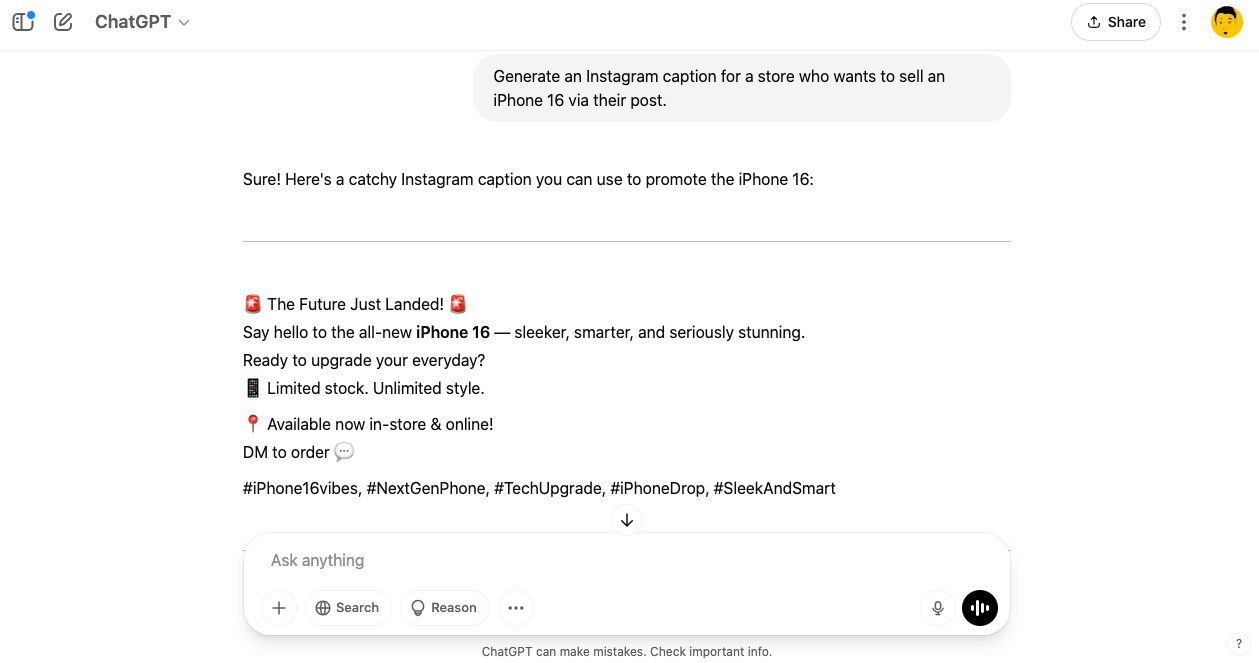
With this ChatGPT Instagram caption prompt, you do not need to worry about how the caption comes about. All you need to do is type in your prompt the way I did, and it’s all good to go.
Let’s try something spontaneous with an influencer who sings.
Prompt
Generate an Instagram caption for a hiphop influence who just released an album.
The result 👇🏻
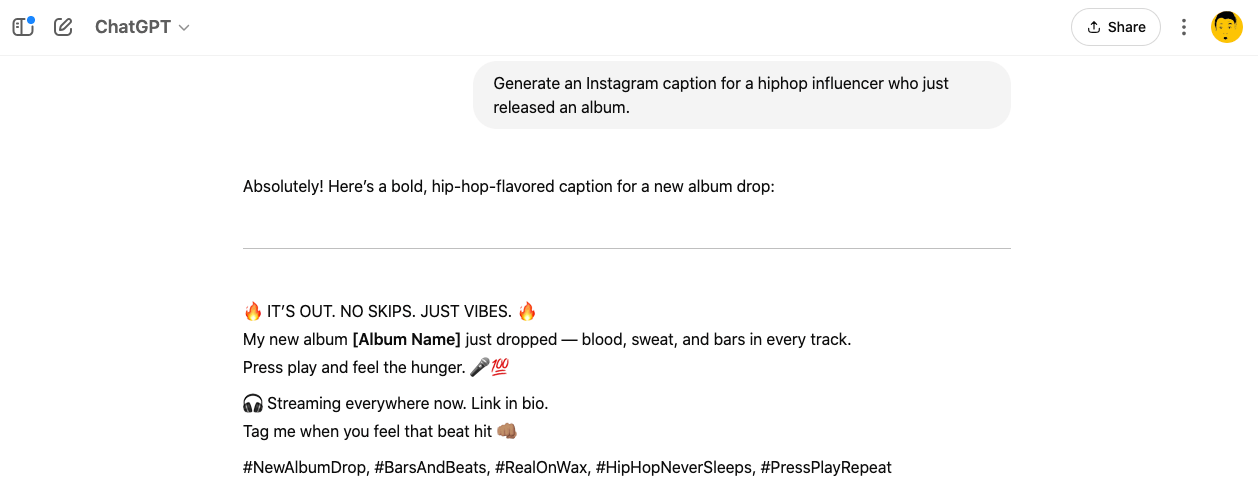
The image above is an Instagram caption for an influencer who just launched an album. This shows that captions are not meant only for writers or vendors; ChatGPT captions work for everyone, irrespective of your field.
I have shown you some amazing prompts for ChatGPT to generate captions for Instagram. It is time to learn how to make the ChatGPT Instagram caption prompts more human and apply your tone and personality to the AI-generated prompts.
The Key Things to Note While Writing Your ChatGPT Prompt for an Instagram Caption
When you’re interacting with ChatGPT to create a caption for Instagram, the first thing you need is the style, how the text will be structured. If it is structured in a congested way, it will have no effect on the user or the Instagram algorithm.
Apart from this, you should take care of the following as well:
- Have a clear goal: Is the post meant to teach, inspire, sell, or provoke?
- Swap in your niche: Replace placeholders with your industry terms, examples, and tone.
- Make the hook strong: First line = scroll-stopper. Suggest ChatGPT to use commands, bold statements, or big questions.
- Use clean, visual formatting: Short lines, white space, emojis (if on-brand), bullet points = more readable.
- Add real value first: Don’t jump to “Comment X” without giving value up front.
- Balance emotion & insight: Share stories and give ChatGPT something useful that it can add in the caption for people to take away.
- Stay authentic: Write how you speak. Suggest ChatGPT to be casual, clear, and confident.
- Adapt the CTA to the post: Use “Save this,” “DM X,” or “Comment Y” based on what feels natural.
- One prompt, many uses: A strong prompt should work across topics with small edits.
- Don’t overthink it: Start, refine, test, and tweak based on what performs.
Write a caption with this structure to speak directly to creators facing burnout:

Bold Truth (Hook)
    • Start with a line that stops the scroll.
    • Example: “You’re not lazy — your creativity is exhausted.”

Honest Insight
    • Share a real moment where you felt drained, uninspired, or pressured to perform.
    • Example: “Last week, I stared at my screen for 3 hours and hated everything I made. It wasn’t a block. It was burnout.”

Relatable Takeaway
    • Shift the story to what helped you (or what helps in general).
    • Use simple, real talk.
    • Example:

“You don’t need a new strategy — you need space.”

“Rest is part of the process, not the reward.”

“The algorithm isn’t your boss.”

CTA (Call To Action)
    • Ask your audience to share how burnout shows up for them.
    • Example: “Comment ‘PAUSE’ if you’ve been pushing through burnout instead of healing it.”
How to Edit Your ChatGPT Instagram Captions
In the previous section, I showed you how to use prompts, and now, it is time to learn how to make ChatGPT more human before posting on your Instagram page. I will be using the example I used in the previous prompt, but editing it with a tone and personality.
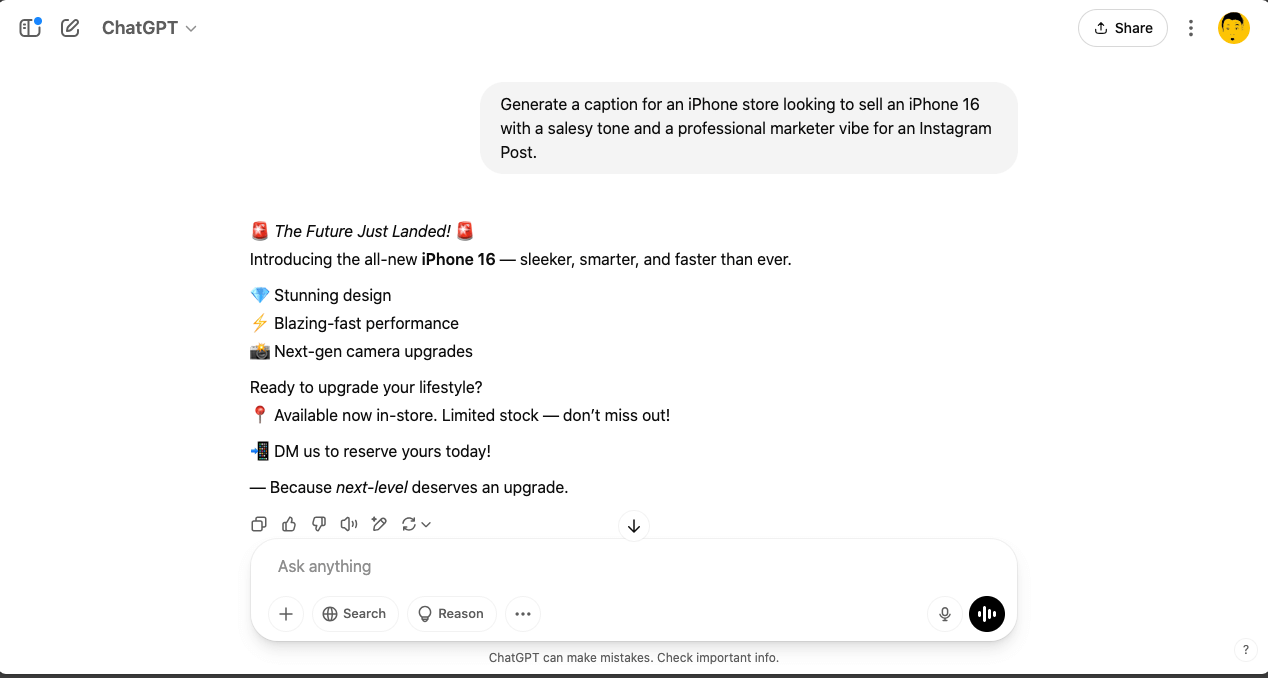
- Let us try out a prompt for an iPhone vendor that wants to sell an iPhone 16 in a salesy tone and a professional marketer personality via an Instagram post.
- The second is for the influencer who sings, but let us prompt ChatGPT with a new personality and tone.

I have been able to edit the ChatGPT Instagram caption from the one for the sale of an iPhone 16 by editing and adding a salesy and professional marketing tone.
So, if you want to generate an Instagram caption, ensure to edit the prompt to show emotions, tone, and personality.
Types of ChatGPT Instagram Captions
For Instagram captions using ChatGPT, there are different types of captions that you can try out while making your posts. Some of the ChatGPT captions for Instagram are:
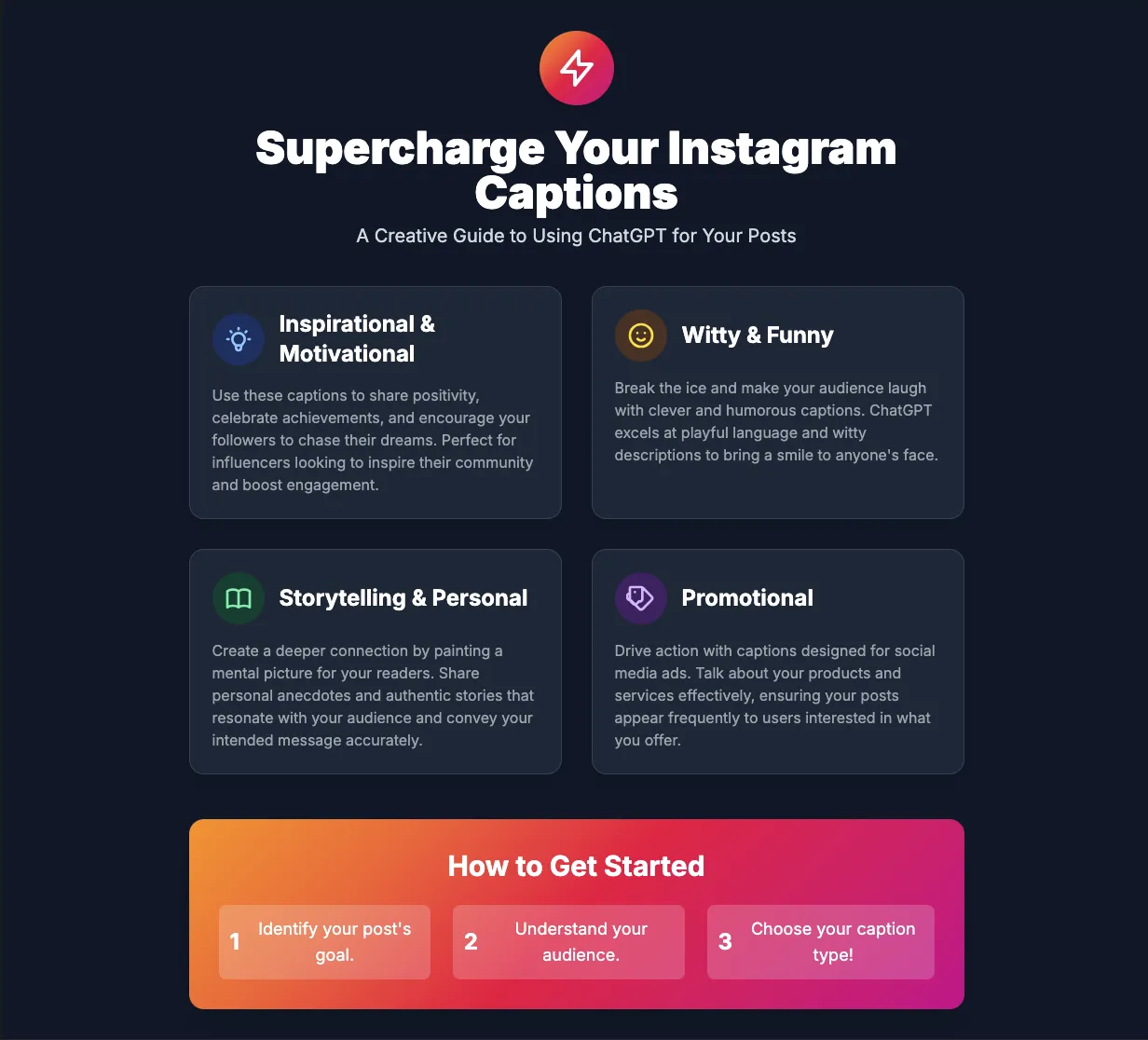
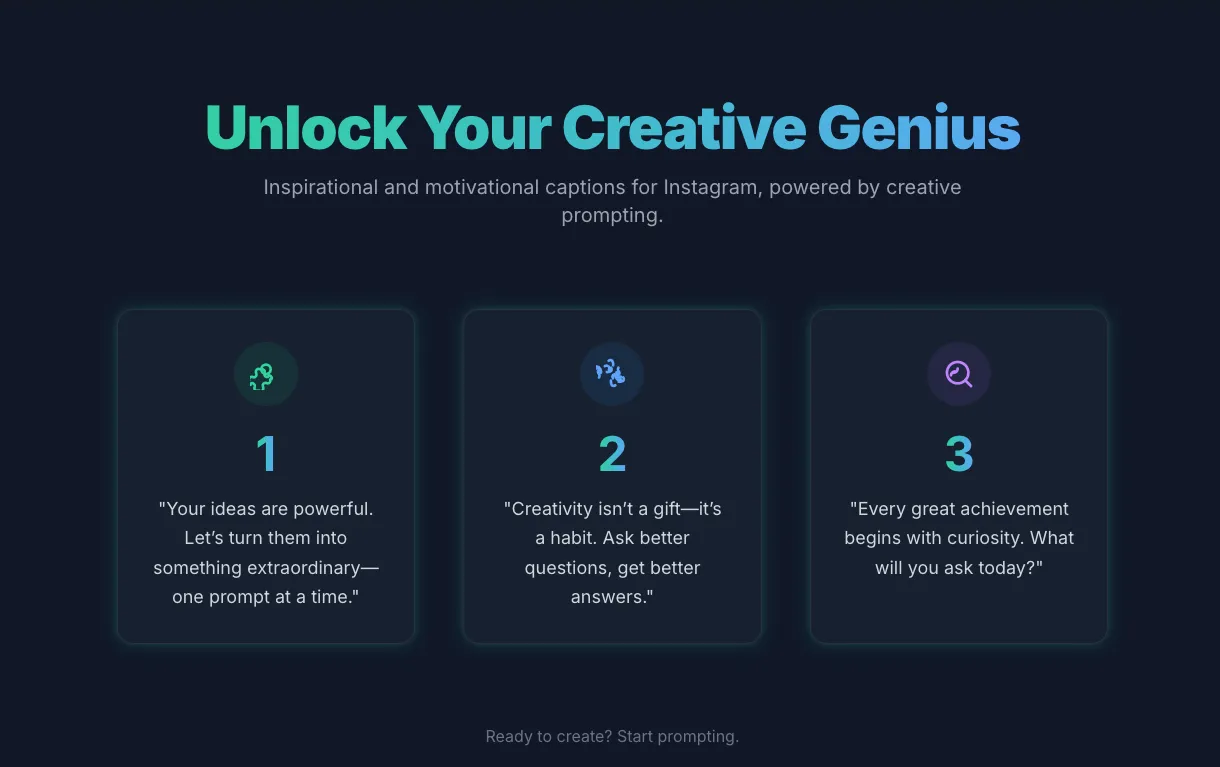
1. Inspirational and Motivational ChatGPT Captions
Inspiration and motivational ChatGPT captions for Instagram are usually used to inspire those reading a post or watching a visual representation. This kind of caption is written by anyone looking to share their achievements, share positivity, or encourage people to chase their ambitions.
This kind of post is common for Instagram influencers who are looking to get more followers and gain traction for their posts.
2. Witty and Funny Instagram Captions
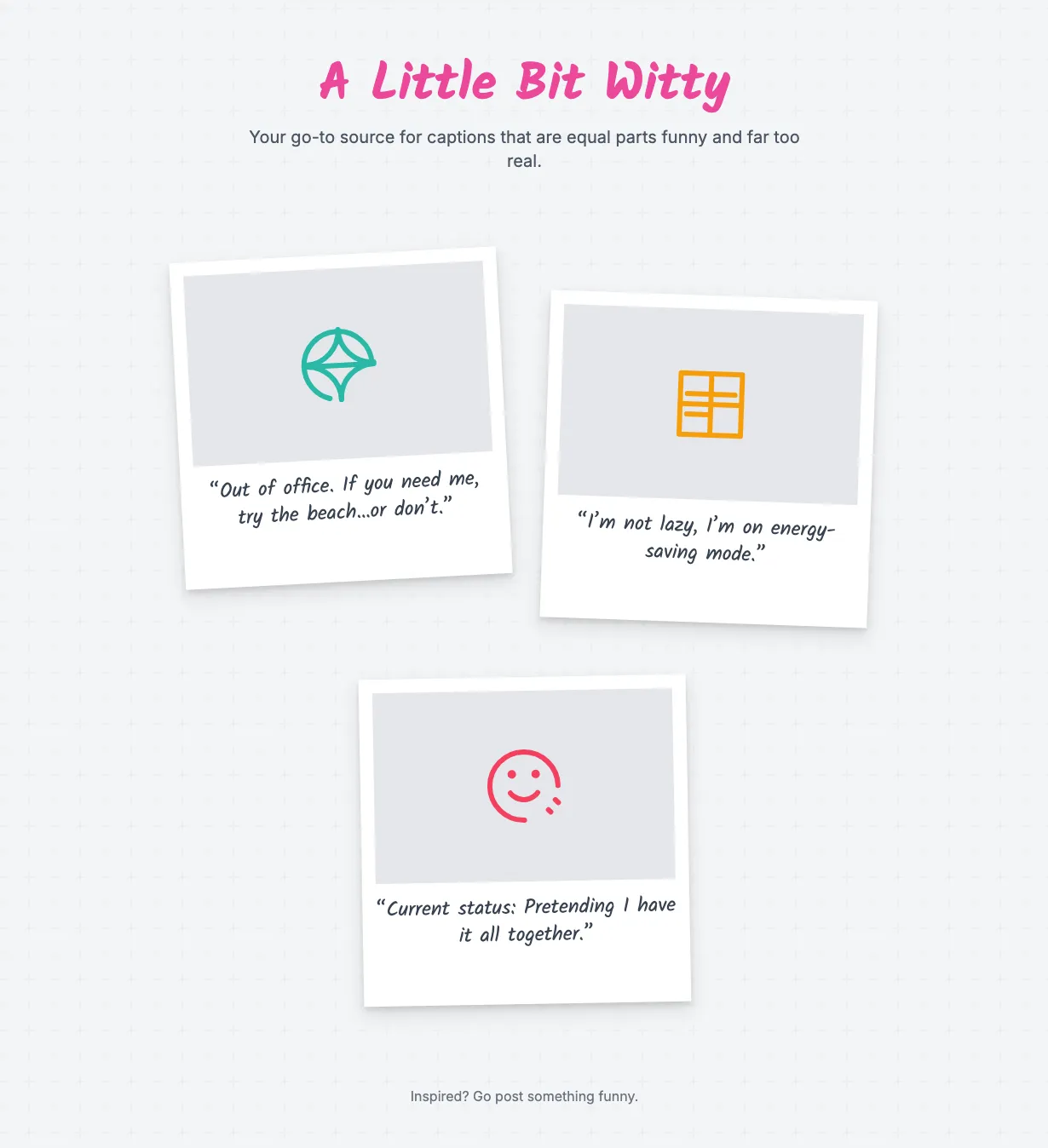
Witty and funny Instagram captions make people laugh and reduce the tense atmosphere.
A funny post can also be described as an intelligent post that cleverly sparks humour.
If you want to crack some ribs on IG, you need the right prompts to help you with that. ChatGPT mostly uses captions with adjectives in a playful way to describe funny things.
3. Storytelling or Personal Captions
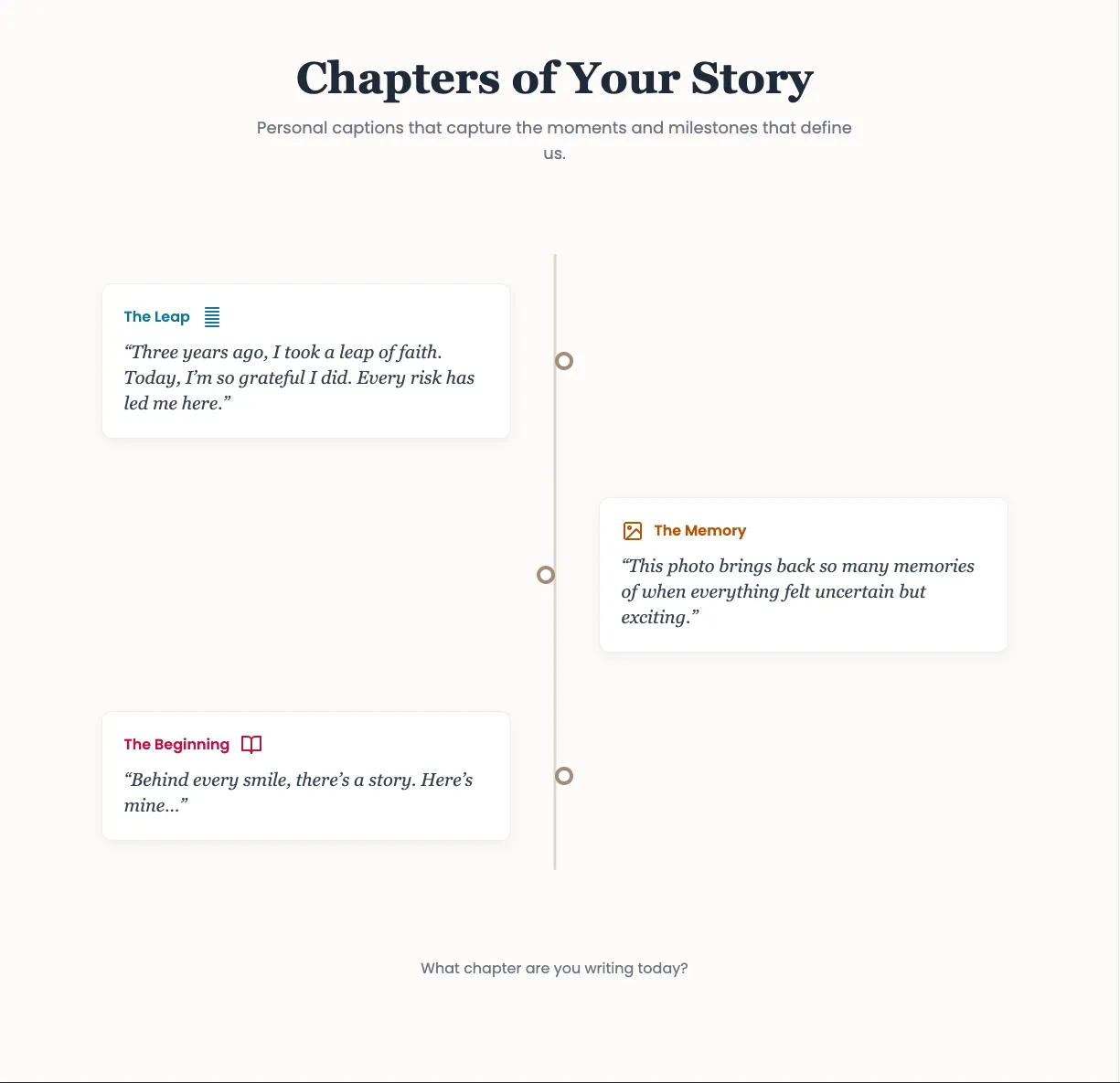
A storytelling or personal caption is the type of caption that creates a mental picture in the reader’s mind. It also projects an accurate representation of the message that was intended.
Creating this kind of caption is not difficult; just type in the best prompt that has a storytelling approach.
4. Promotional Captions
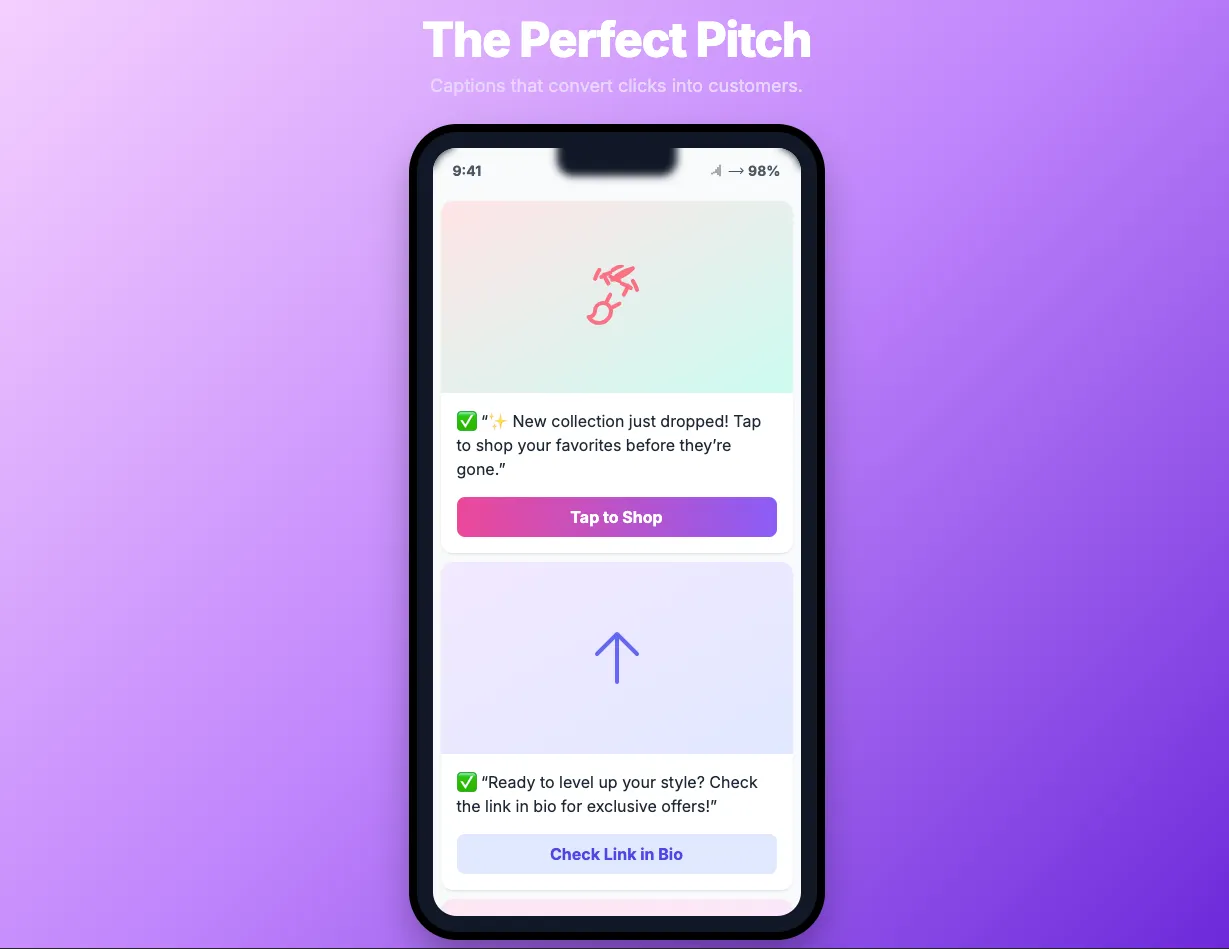
Promotional posts are content used in ads on social media pages like Instagram, Facebook, and Twitter. These promos talk about products and services and allow the posts to appear frequently on the pages of users who are interested in the products.
You can always try out any of these Instagram captions for your post.
What you need to do is identify what your post is about, identify your audience, and you can identify the type of caption you are adopting.
Importance of Instagram Captions
Instagram captions play a crucial role in improving the creativity of your post because a post without a creative caption is as good as nothing.
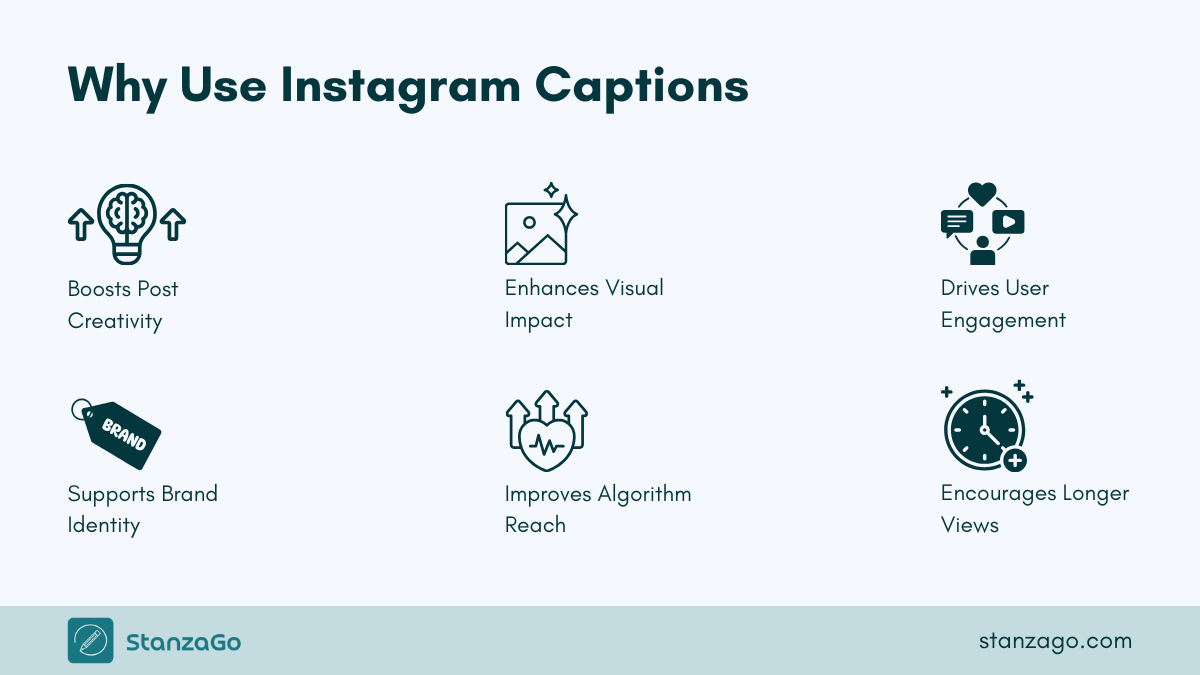
No post does so well without the collaboration of a great caption and eye-catching visuals.
Captions emphasize what the visuals depict and keep your audience glued to your post, which improves the algorithm in your favor. When Instagram’s algorithm notices that more time is spent on your post, it makes it available on the explore section and drives more likes and comments.
Your voice and brand identity come to life because your captions do so well, now imagine a storytelling Instagram caption — your page is about to blow far and wide.
Mistakes to Avoid When Using ChatGPT for Instagram Captions
ChatGPT is not here to replace your brainpower or make you lazy; it is here to improve creativity and efficiency while working on a caption or writing a long-form blog. Research shows that people with creative tools are more productive than people who do not use them.
In effect, ChatGPT is a productivity tool.
However, using ChatGPT for Instagram captions does come with its challenges. Here are some of the mistakes you should avoid when using ChatGPT to generate Instagram captions:
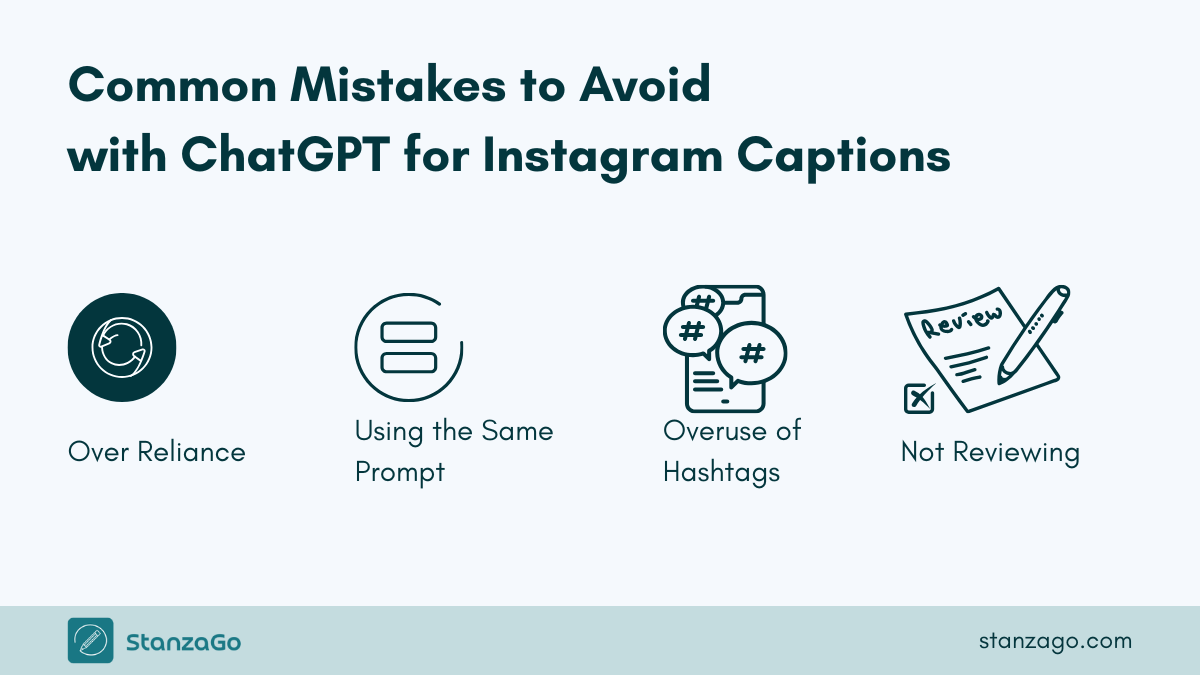
1. Overreliance on ChatGPT
Relying too much on AI-generated prompts for their caption often ends up using the same caption and, over time, loses their creative juice. ChatGPT is meant to help you with a draft, and then you can expand it.
Without editing your caption as I did in the previous prompt, you will keep getting the same boring prompts.
Apply ChatGPT for inspiration and not the actual task of putting up a caption.
2. Using the Same Prompt Consistently
Using the same prompt over and over will result in the same result.
To avoid this, you should check properly to ensure that the prompt is edited to suit your audience, style, and the tone you want the message to convey.
By doing this, you will avoid generic Instagram captions.
3. More Than Enough Hashtags
For every Instagram caption you use hashtags for, it increases the visibility of that post, and this allows non-followers to see your posts.
Examples of quality hashtags are #cryptolovers and #silhouette challenge — these hashtags automatically pop up for those who are interested in crypto and the silhouette challenge.
Now, imagine using more than necessary hashtags by stuffing hashtags into your posts — that’s a big blow and will have a negative effect on your post.
4. Failing to Proofread Your ChatGPT-Generated Captions
It has been stated that ChatGPT can make mistakes. Check important info. ChatGPT is a product of human creative genius, so it is bound to make mistakes.
Ensure that after you have input your prompts, before you make your post live, check thoroughly for any errors.
These are some of the mistakes you should avoid when using ChatGPT captions for your Instagram posts.
Samples of ChatGPT Instagram Captions Prompts (100+ Free Prompts)
Looking for some prompts to generate your Instagram captions? Well, try the following prompts for Instagram captions that will generate unique and quality captions every time. Simply copy and paste them into ChatGPT, make some adjustments, and you’ll get your fresh Instagram caption.
Prompt 1
Generate an Instagram post caption with a questionable hook, 3 bullet points, and a description. Add a call to action asking users to write their views in the comments.

- The topic is - [Your Topic]
- Act like a [Eg. Philosopher or professional photographer]
- Keep it conversational
- 5 hashtags
Prompt 2
I want you to generate a caption on an unpopular opinion on [Your Topic].

The opinion clearly states the unpopular ideas or thoughts regarding the topic mentioned. It should guide the reader on how to utilize the unpopular opinion.

End the caption with a P.S.
Prompt 3
I need to post my [Daughter/Son's] photo on Instagram. He/She likes [creativity with mystery in it]. Generate a caption that's unique and feels real. So my [Daughter/Son's] would feel special about themselves.Prompt 4
I posted a reel in which I am telling the viewer about [Your Topic] and asking them to read the caption to learn more about [the topic you want them to learn more about]

Generate a caption on [the topic]

Follow the below writing style:

- Short definition
- Benefits
- Why the viewer should care about it
If you want them to:
- Try it, then add this to the prompt: share tips on how the viewer can do it.
- If you want them to contact you, then add this to the prompt: write a short Call to Action to encourage viewers to DM me.
Prompt 5
For introducing a product:
We have launched a new product, [Your product], which allows [mention what it can do]

Now, we need a caption that can help the introduction post add more value and information. So, generate the caption:

- Starting with a pain point
- How it can help
- Where can the user get it [mention it]
- Share this coupon code [add it here]

Optimize it for SEO. Keep it engaging and informative (but not too much,) something like a friendly tone.
Prompt 6
Generate an Instagram caption targetting Gen Z. It's about [mention whatever you are targetting: product/service]

This [Product/Service] can [mention how it can help Gen Z].

Keeping this in mind, generate the caption that would:

- Invoke FOMO
- Show importance
- Why it is better than the others
- [mention other key points]

Keep the sentences short and Gen Z language in mind. Focus on the latest trends as well.
Prompt 7
Generate a caption for a carousel post with [number of slides] slides, and each slide talks about the following topics:

- Topic 1: [Your topic]
- Topic 2: [Your topic]
- Topic N: [Your topic]

The style for the caption should be:

Heading + Description for all the topics, then in the end, add CTA: Comment to Discuss more or get the [Resource: PDF/Guide/eBook]
Prompt 8
This is my product [product URL]. I am running an ad using an Instagram post and need the caption with the following touchpoints:

- I want to show that it is realistic
- This product is value for money
- It overcomes day-to-day challenges in [basic life, professional life, or other areas mention them.]
Prompt 9
I provide this service [service name], and it is a local service. I don't operate globally or in all states. I need a caption for a reel that talks about this service. In the caption, I want you to capture local customers' attention. Here are other details of the service:

- Service area: [Locality]
- Quick response time.
- Money-back guarantee
- [mention other benefits or points you have]

Use a professional and polite tone, something that gives people surety that I am the right person to handle the project.

Optimize it for local SEO.

The Call-to-action has phone numbers.
Prompt 10
Generate a creative Instagram caption for a post I have published about [the topic].
Make it engaging and ask for users' opinions in the comment section.
Prompt 11
Comment '[Keyword]' and I’ll send you [what you’re offering]!

Here’s how to create this [trendy/popular/viral] [type of content or effect].
All you need is [basic tools or apps your audience likely has].

Bonus: After I posted this on my [platform], [impressive stat or reaction – e.g., 'I got hundreds of DMs asking how I did it' or 'It became my top-performing post'].

Want more ideas or tutorials? Follow me for more! @[yourhandle]
Prompt 12
For asking feedback from your customers:
Generate an Instagram post caption that asks users about product feedback. It should start with greetings like:

- Hello, or Greetings to all [Input Product/Brand's name]'s lovely users.

Then, show that we are thrilled that they chose us. And then mention that we are conducting a small research that'll hardly take 3 minutes, and we'd love to know their views about it.

Ask them about what they like, hate, and how we can improve them.

Share this URL [input the URL]

And the ending date [mention date]

Also, let them know that participants will get $100 Amazon gift voucher.
Prompt 13
Generate a caption for a birthday party I am going to organize next week. I need an RSVP from my guests, which is why I'm requesting it.

Mention this:

- Birthday party for my son at [mention the location]
- He's getting [mention the age]
- What can they bring as gifts [mention what he likes]
- RSVP URL [enter the URL] or DM me.

Don't forget the [date] and [time]
Instagram Captions Prompts
Free Download: 100+ ChatGPT Prompts for Instagram Captions
- Categorized prompts for every niche
- Notion-ready format for easy importing
- Write scroll-stopping captions for Instagram posts
FAQs on Using ChatGPT for Instagram Captions
How do I sign up for ChatGPT?
You do not need to sign up to use ChatGPT, but if you want to sign up, go to your browser and search for https://chatgpt.com/ to start using the chat box.
Do I need to subscribe before using ChatGPT?
To use ChatGPT for Instagram captions, you do not need any subscription package, just your browser, and you are on your way.
How many captions can I use ChatGPT for?
Generating captions has never been easier; there is no limit to how many captions you can draft with ChatGPT.
Can ChatGPT write Instagram captions?
Yes, ChatGPT is an excellent AI tool to create Instagram captions for different kinds of posts. Use prompt engineering with clear goals and tone. Communicate with ChatGPT as if you are talking to a human.
Get Started With ChatGPT for Instagram Captions
Getting the best out of ChatGPT for Instagram captions requires that you pay attention to the guide that has been provided and ensure that your Instagram captions are well-drafted.
Your Instagram caption serves as the voice of your post and gives it tone and personality.
Also, trying multiple captions with the chat box will enhance your productivity and increase your creative juice. Without a good caption, your post will not get enough interaction because Instagram captions improve keyword search and encourage people to see, like, and comment on your posts.
Keep fine-tuning your prompts to get the best out of ChatGPT for Instagram captions, and always use the right hashtags while at it.